Automatic vehicle access
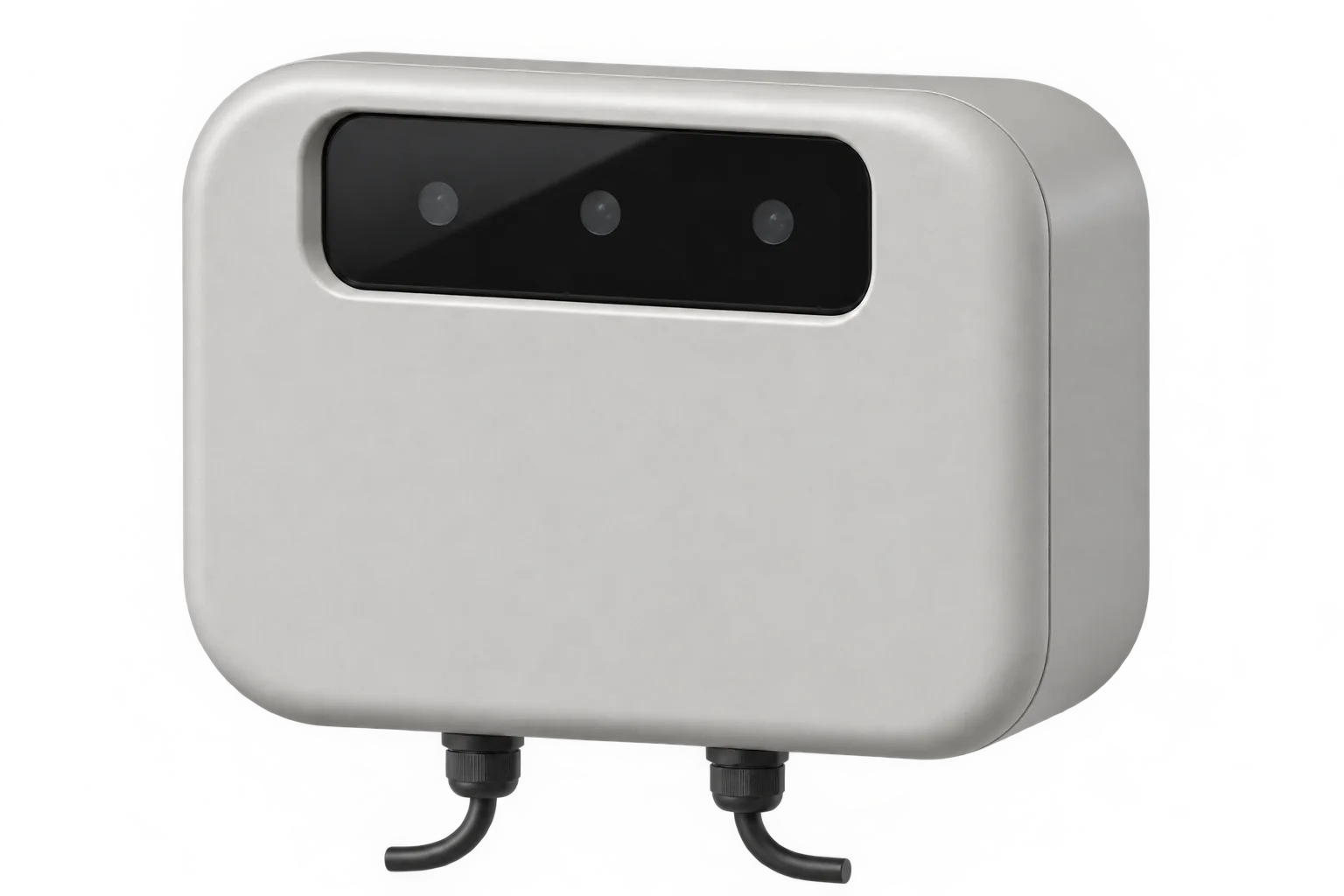
BenoVision recognises vehicles and opens the barrier by your rules.
Automation for your barrier.
Start with your existing installation or a complete system. The configuration is matched to the access points at your site.
Existing barrier
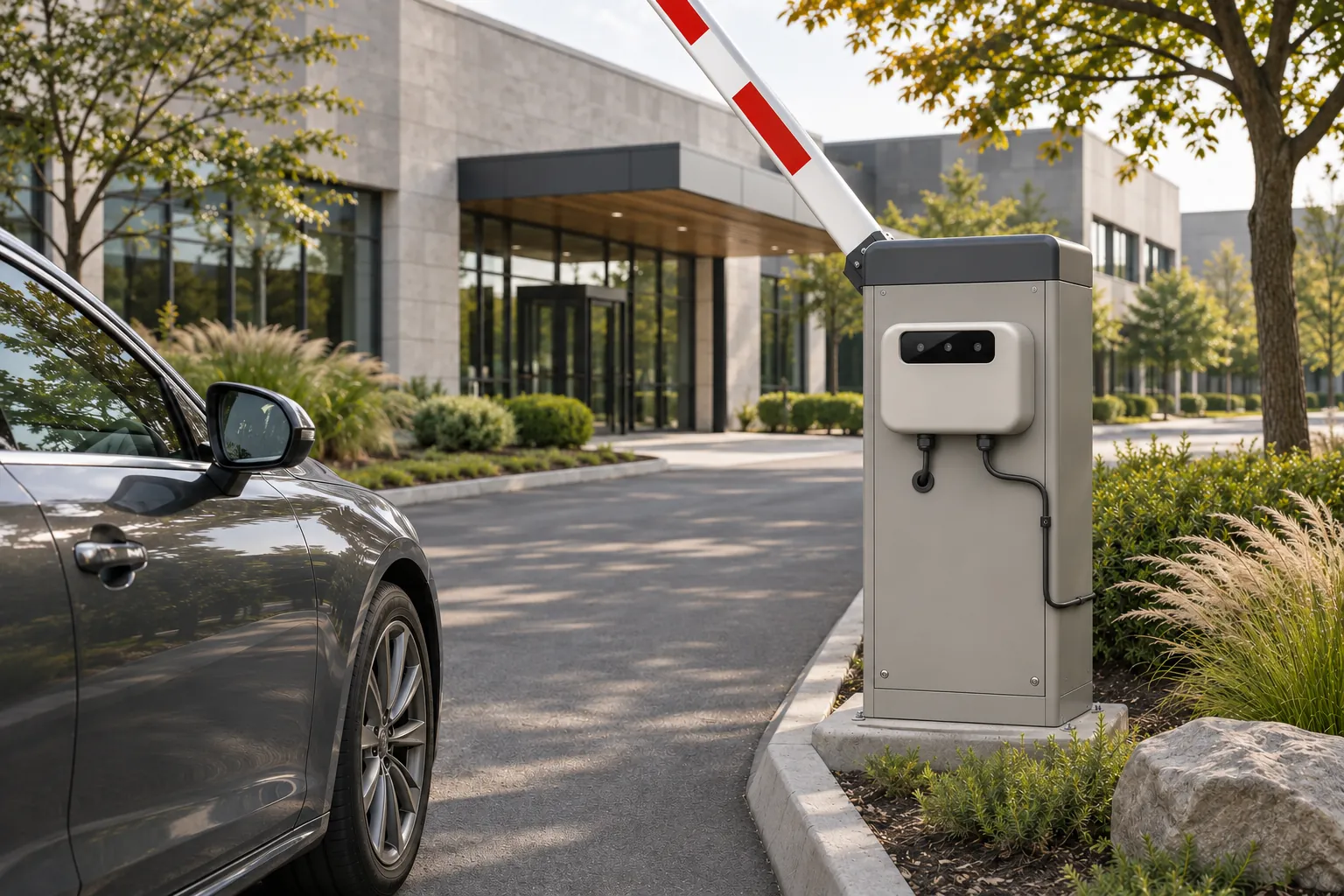
Add license plate recognition to the access you currently operate with a remote or phone call.
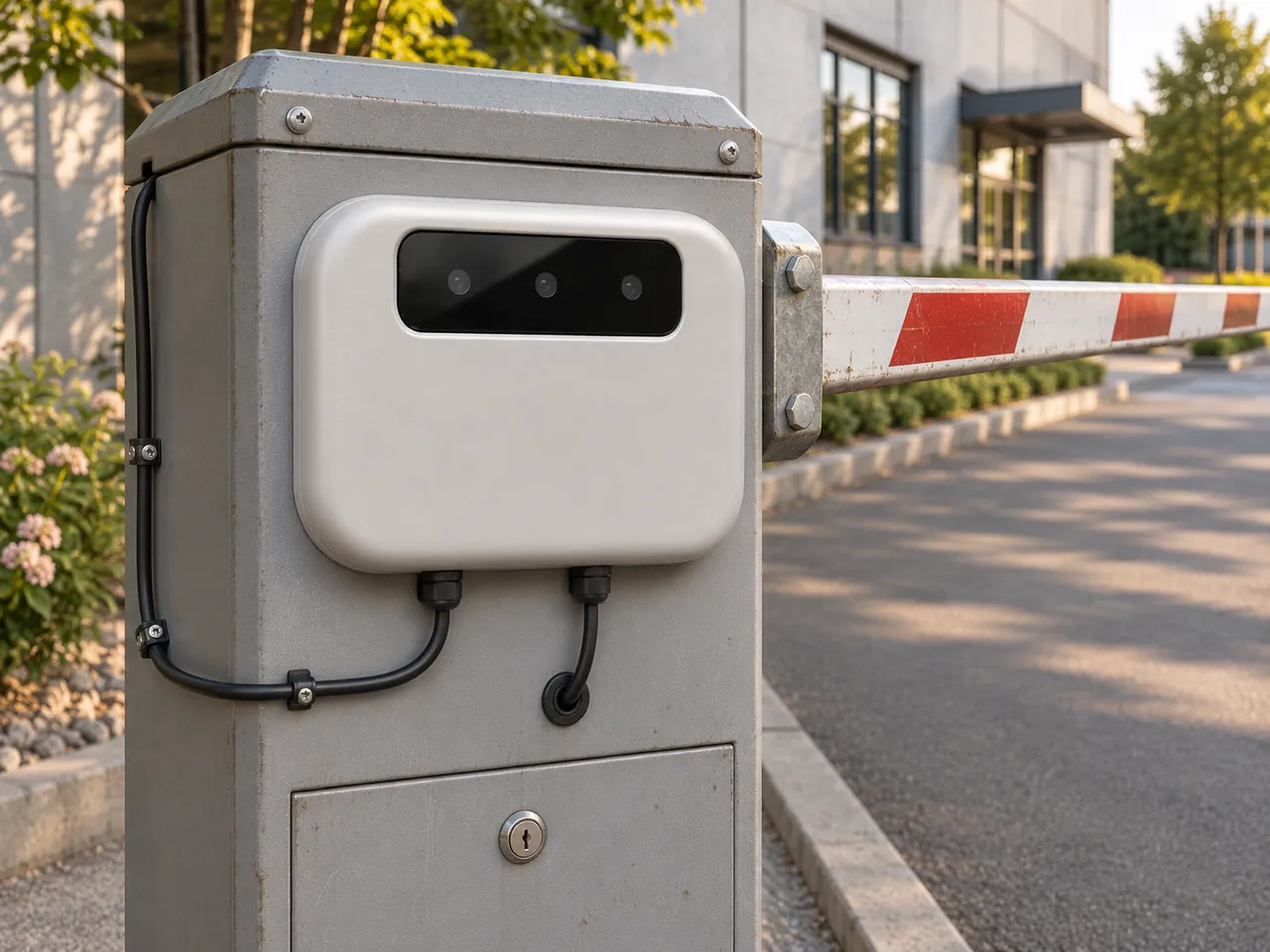
Motor automation
Connect vehicle identification to the motor and controller of your access installation.
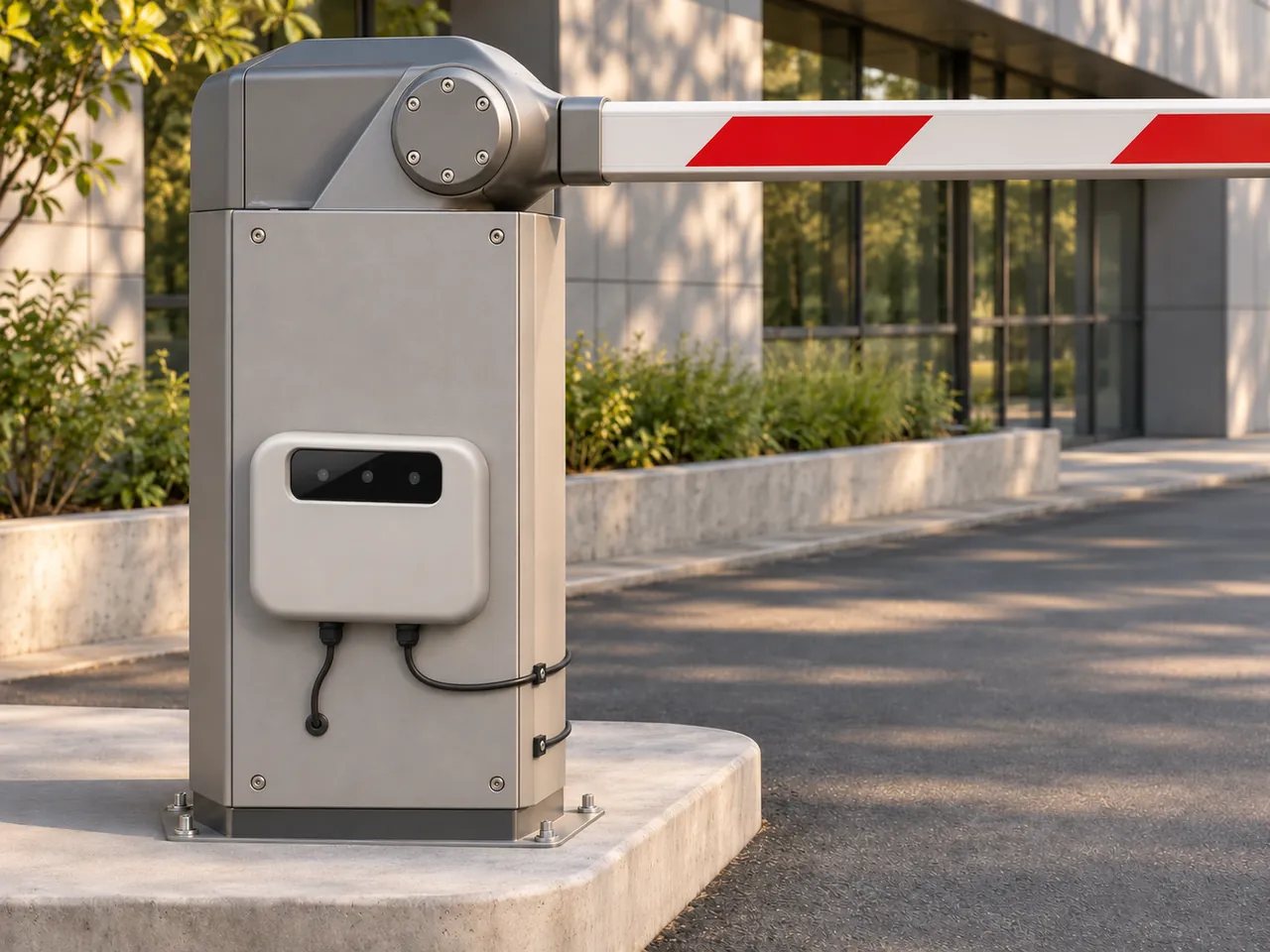
Complete system
The camera, access controller and barrier work together in a configuration for your site.
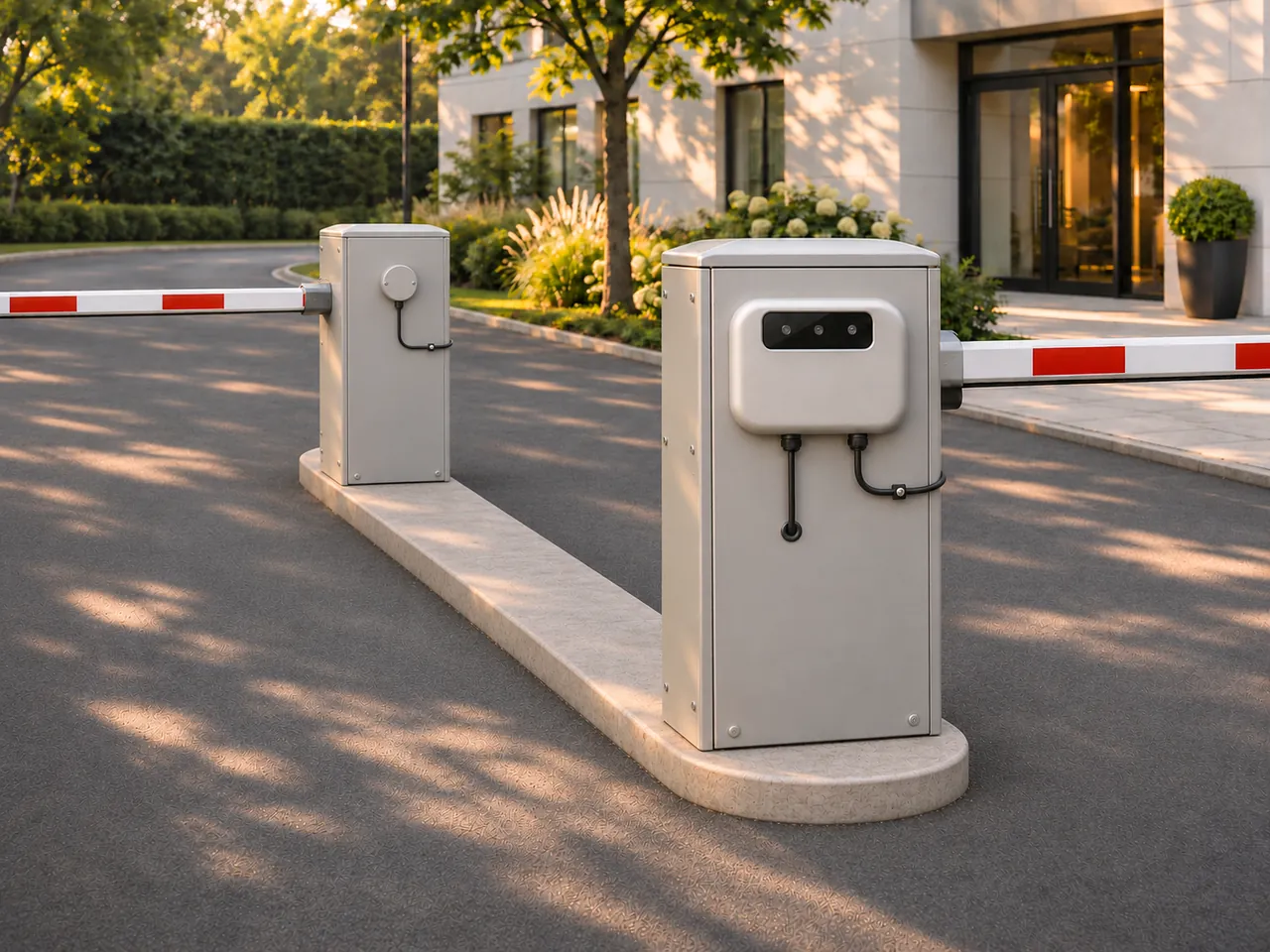
Access by license plate.
Choose a vehicle and follow the decision. At entry, BenoVision reads the plate. At exit, the radar detects the car and raises the barrier.
Parking visit duration.
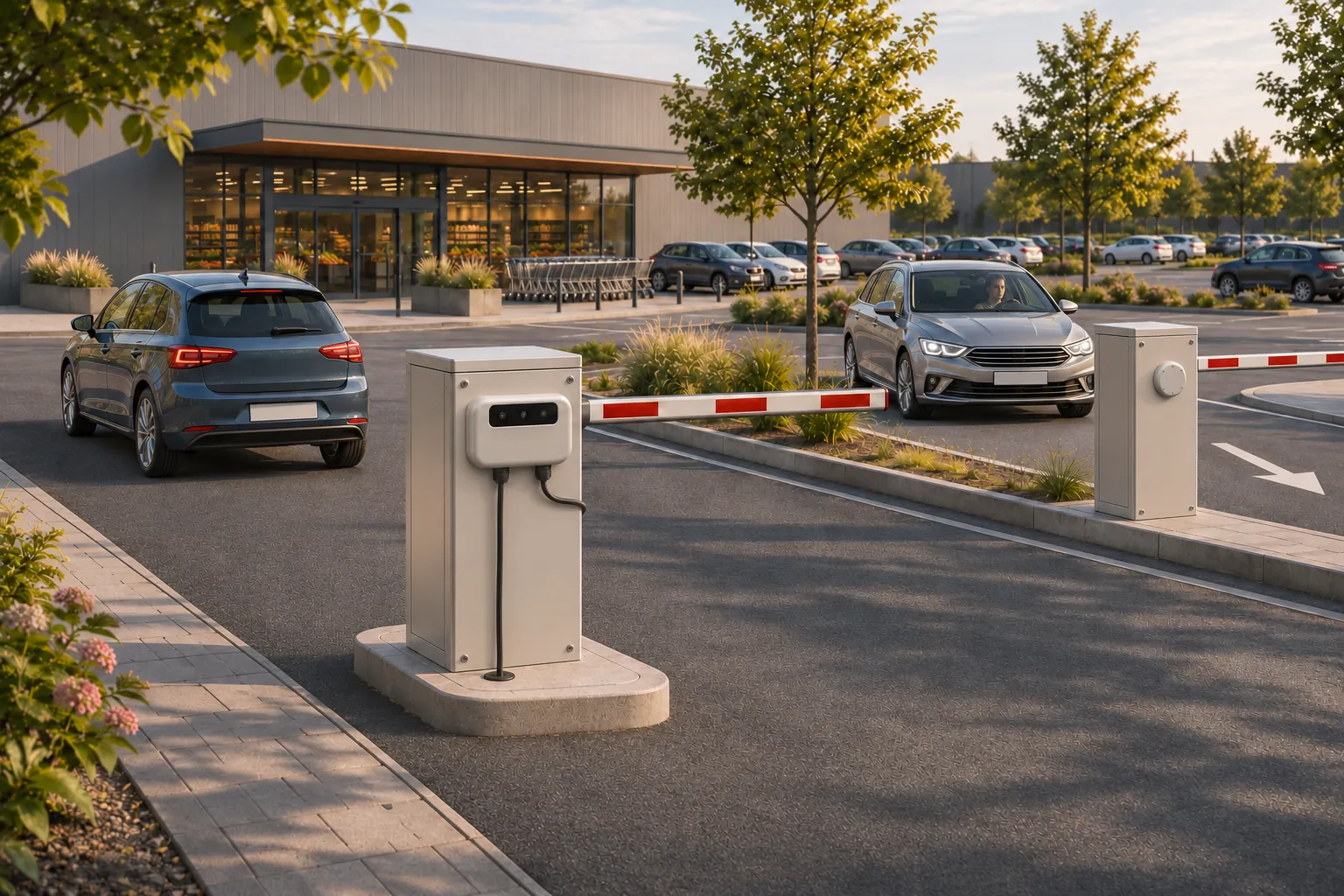
BenoVision matches entry and exit readings. See how long a vehicle stayed and whether it exceeded the parking limit.
Loading dock allocation.
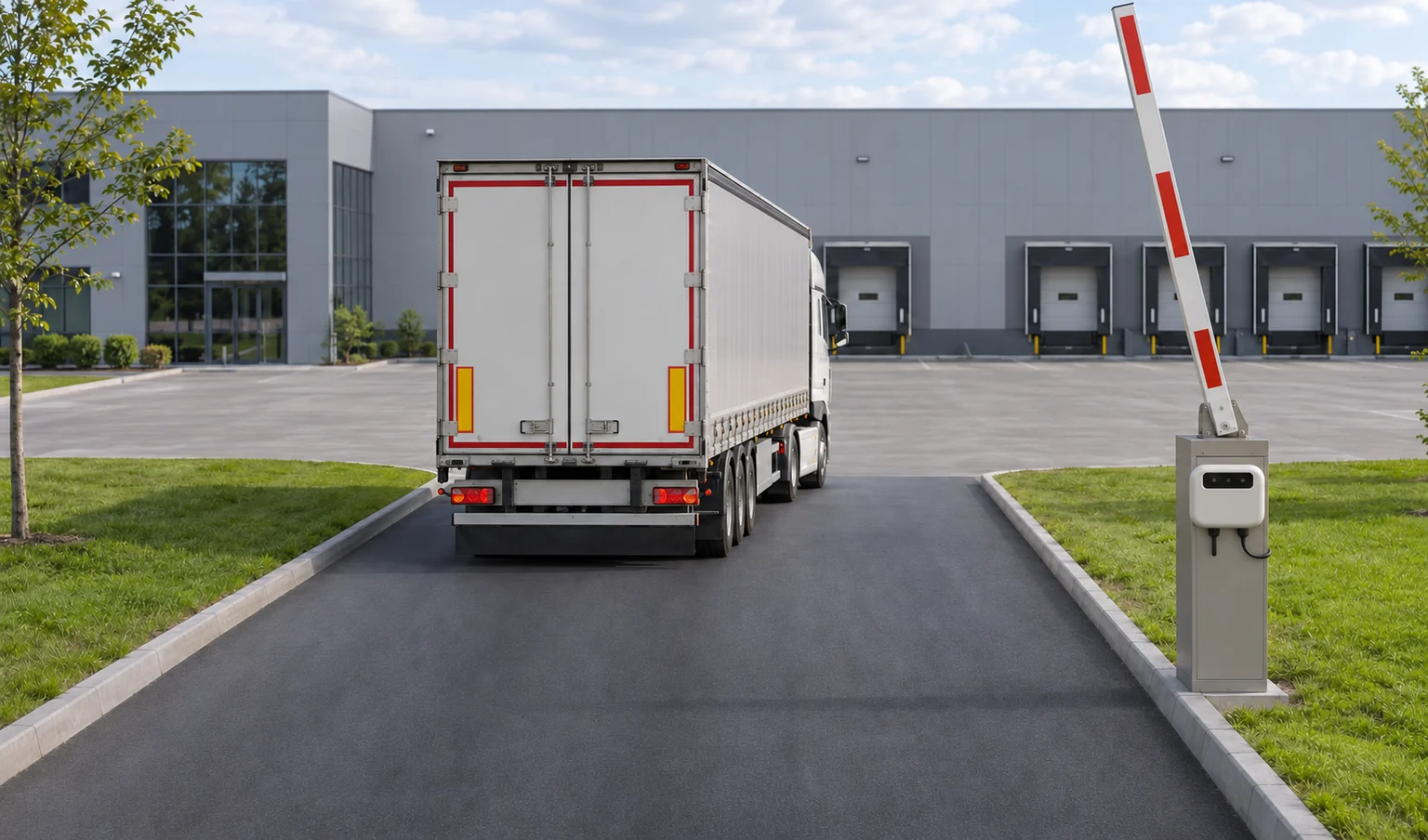
The license plate connects a vehicle to the rule set by the warehouse manager. Follow its route to the loading bay.
Vehicle access rules, in one place.
Manage authorized plates, temporary access and events. Apply the same approach to employee, resident and visitor parking.
Permanent access
Authorize vehicles that return to your site.
Temporary access
Set the period during which a visitor can enter.
Event log
Review access decisions and recognized plates.
Let’s discuss access at your site.
Tell us what you want to automate. We will shape the demonstration around the way your site operates.
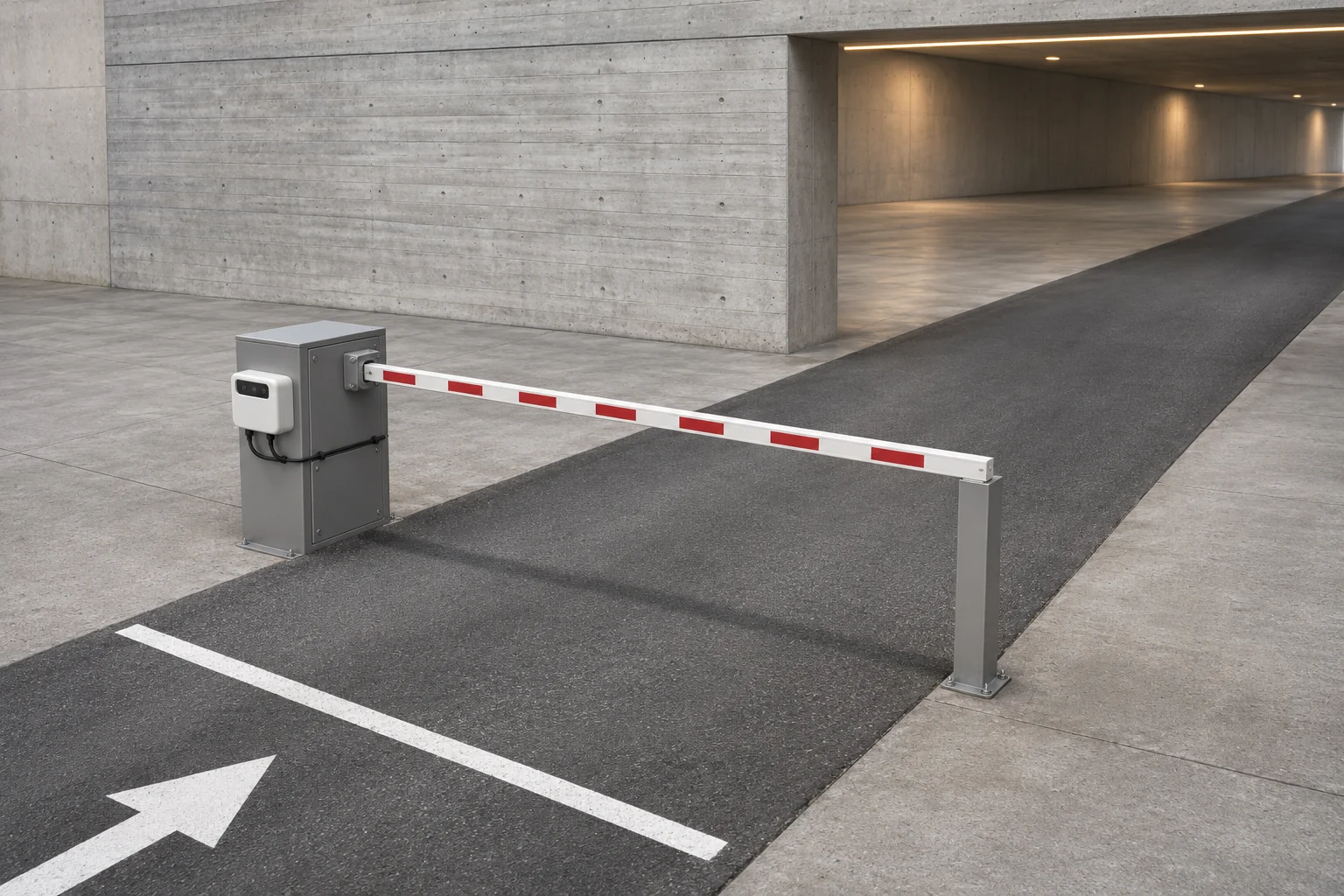
Can I use the barrier I already have?
Yes, if the model is compatible. We check your barrier and explain what is needed to make it open automatically.
How can I see how long a car stayed?
BenoVision reads the car’s plate when it enters and leaves. It records both times and calculates how long the car was parked.
Which BenoVision option should I choose?
Tell us whether you already have a barrier and what you want to automate. We recommend an option for your site.